

Inquiry form
A new inquiry sends you a KakaoTalk alert and stacks up in the manage tab.
Features ·Communication
Let visitors submit inquiries, share contact info, subscribe to your newsletter, or move to another channel without ever leaving your page. Every first touchpoint between creator and customer is captured on the management screen.
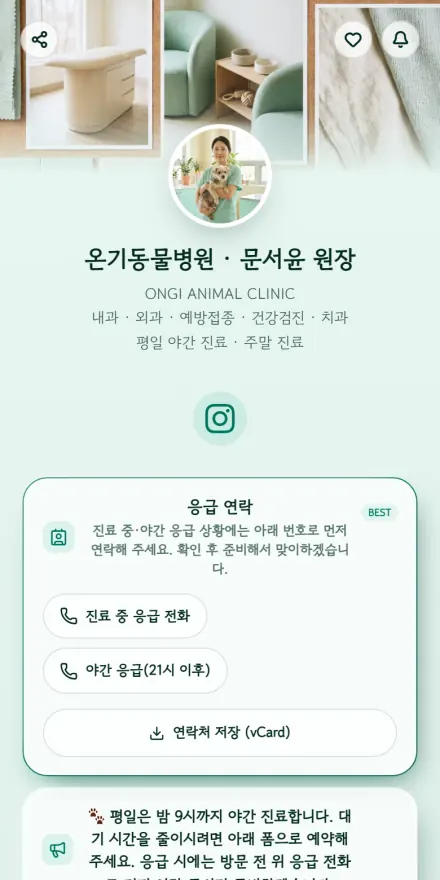 Vet & pet care
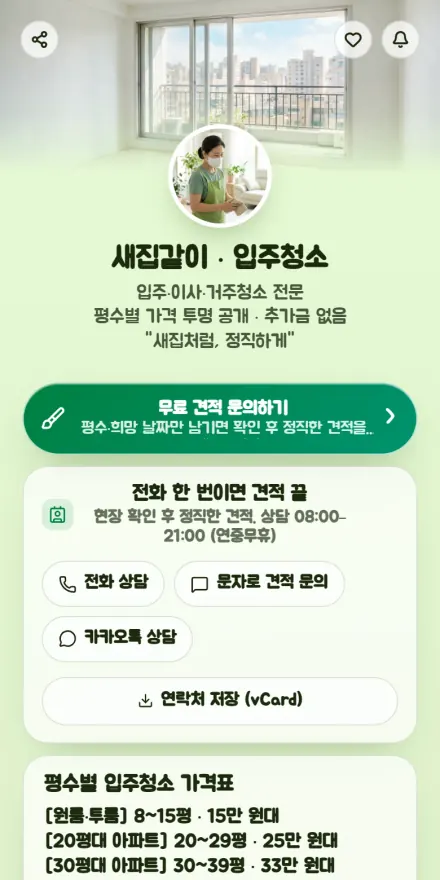 Moving & cleaning
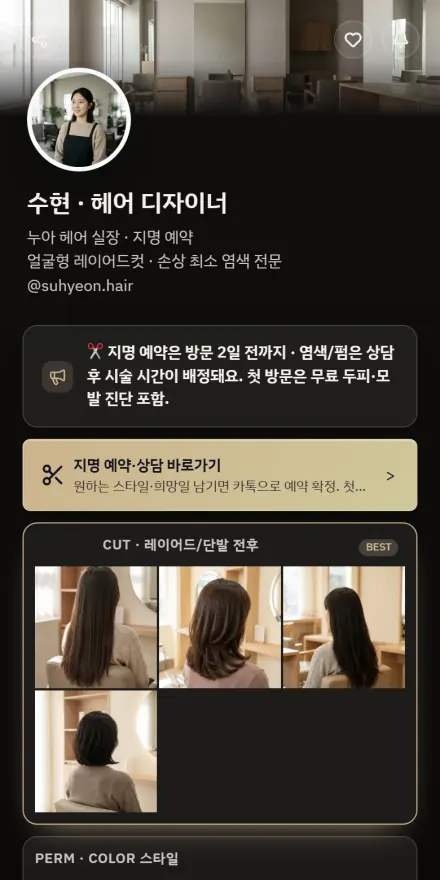 Hair salon
 Classes
 Illustration & commissions
 Nail salon
 Career card
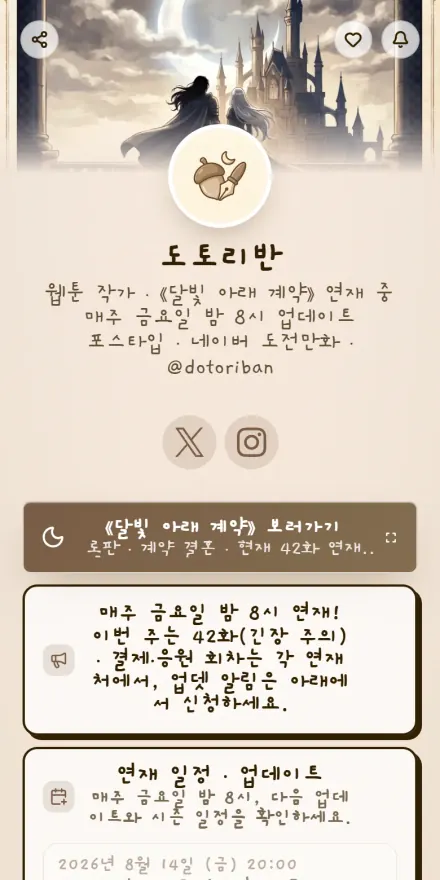 Webtoon artist
 Lash & waxing
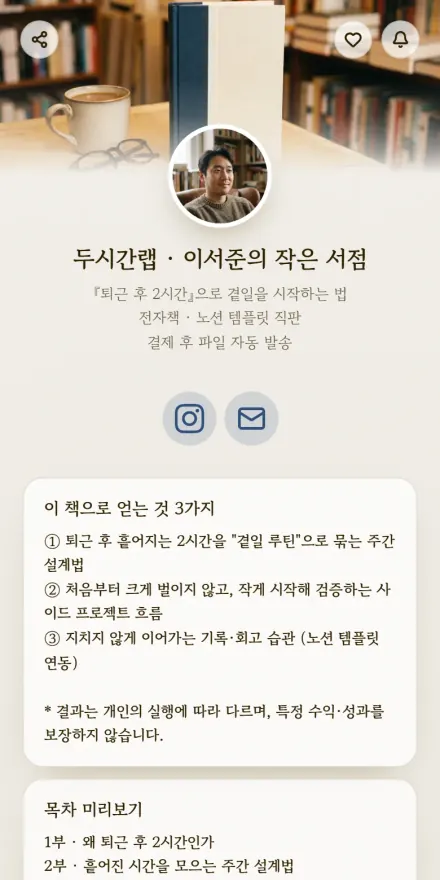 E-book sales
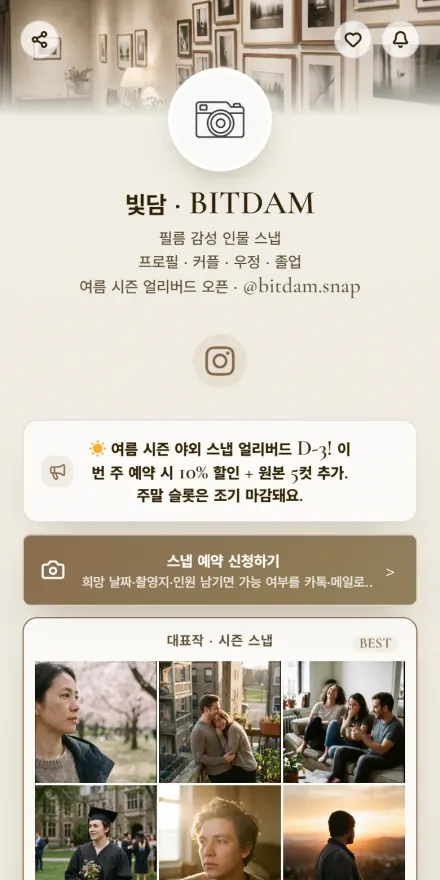 Photographer
 Skin care
 Language tutor
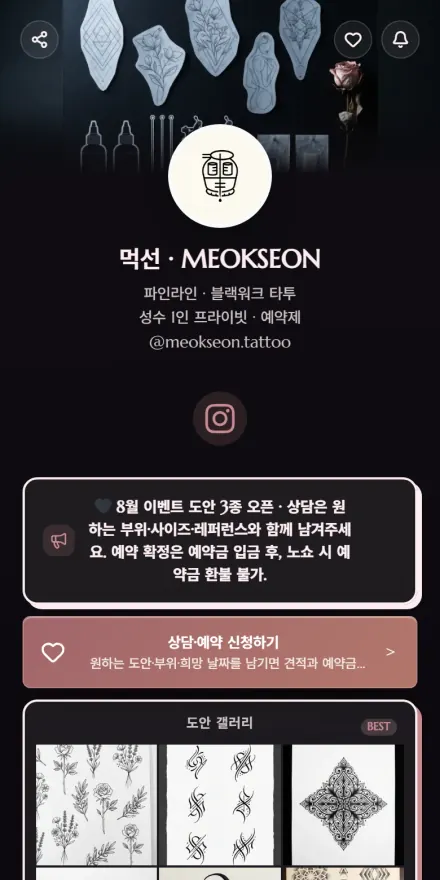 Tattoo artist
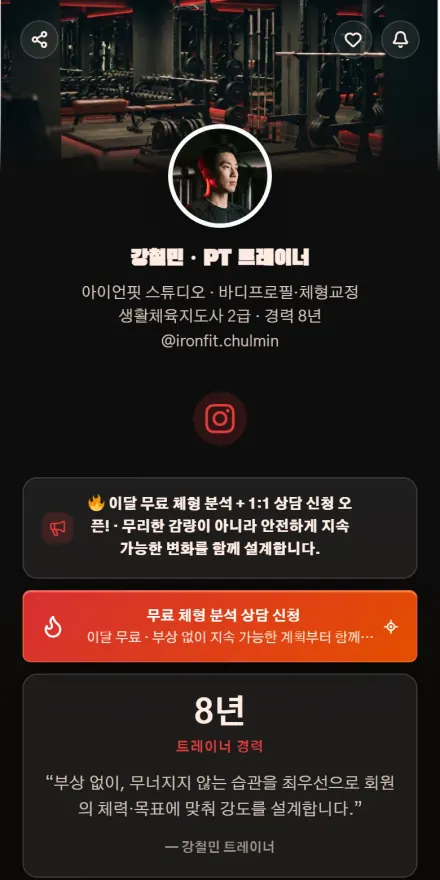 Gym & personal training
 Admissions consulting
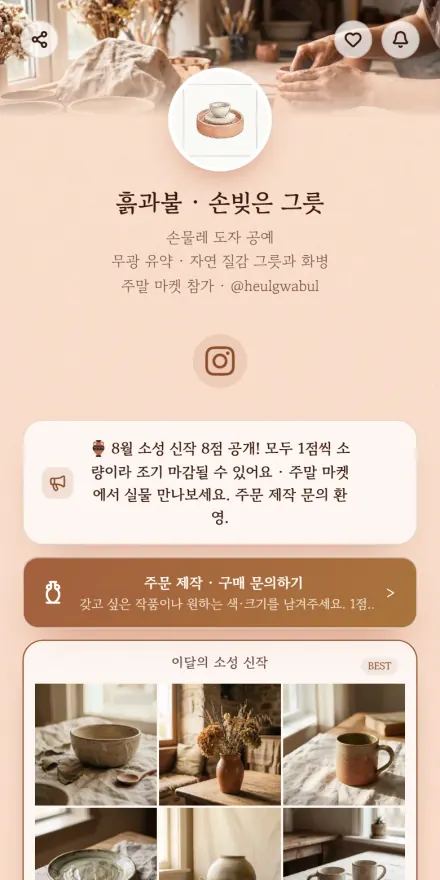 Craft & handmade
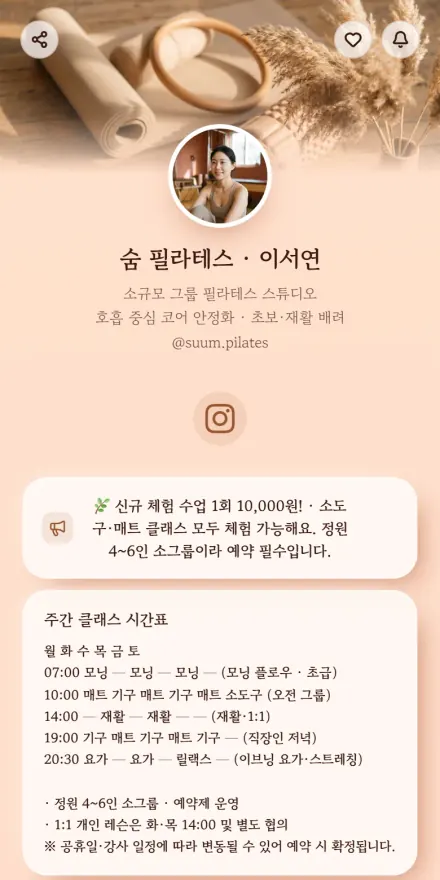 Pilates & yoga
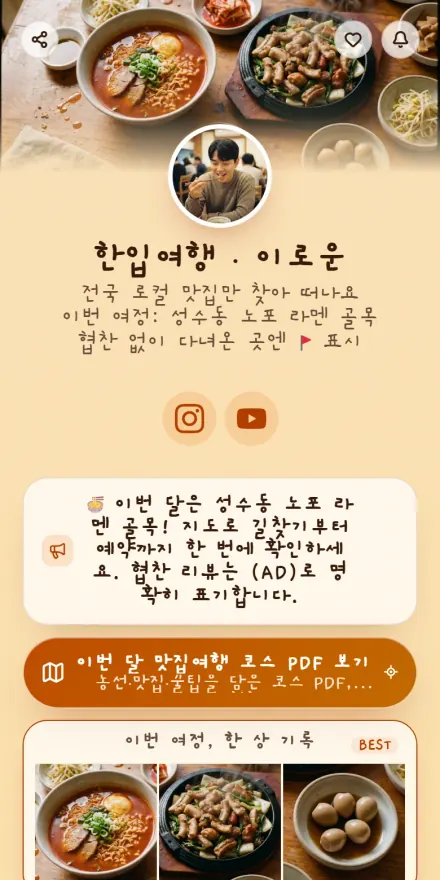 Food & travel
 Running crew
 Tax & accounting
 Pet account
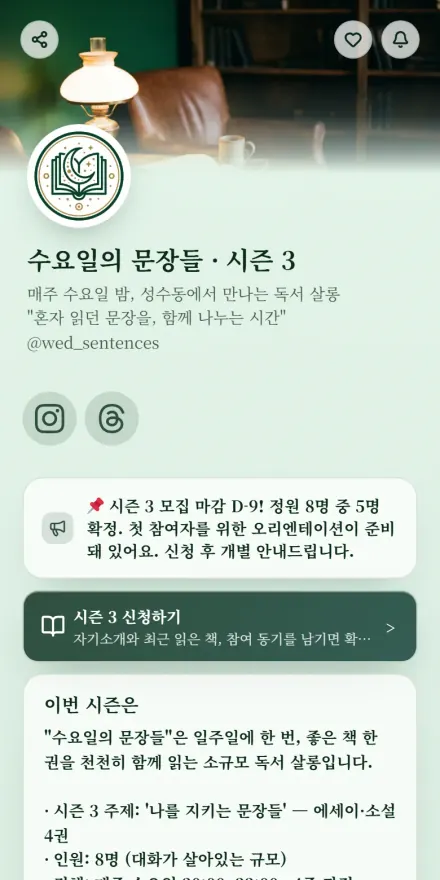 Book club
 Habit coaching
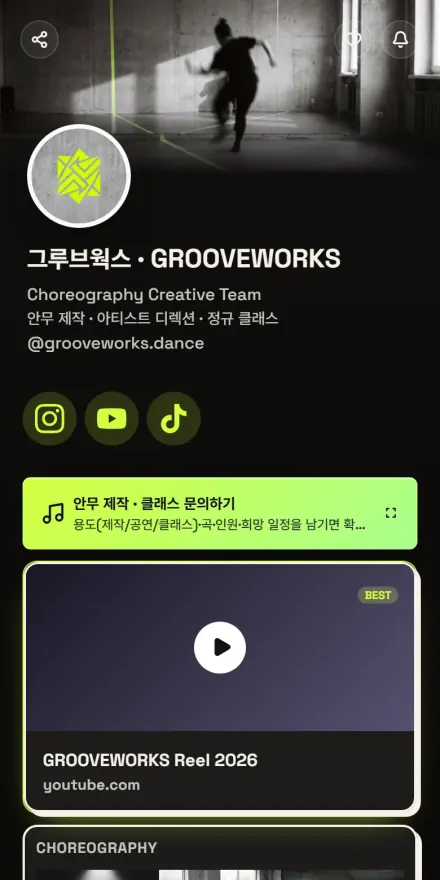 Dance crew
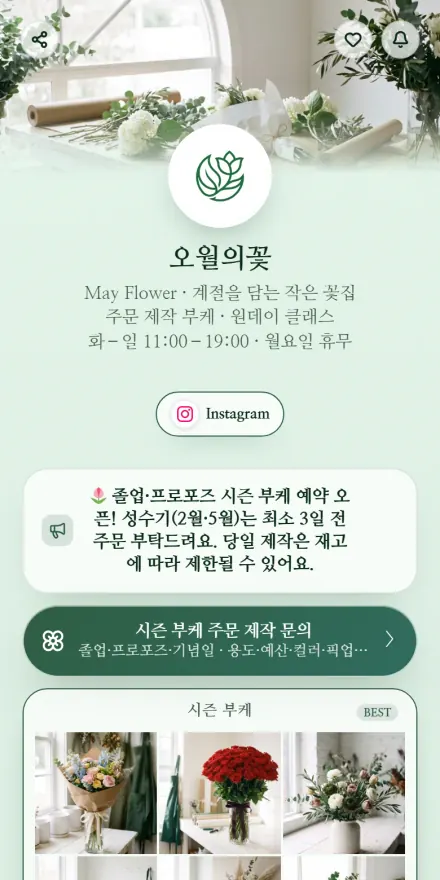 Florist
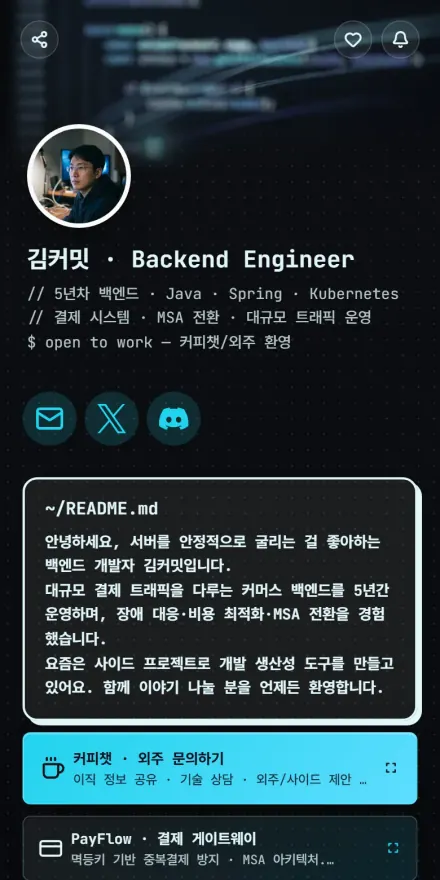 Developer & maker
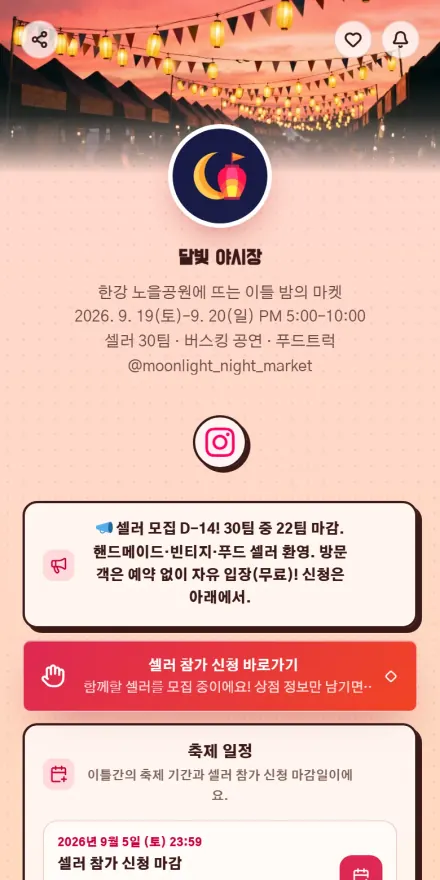 Festival & flea market
 Rental
 Assets & resources
 Select shop
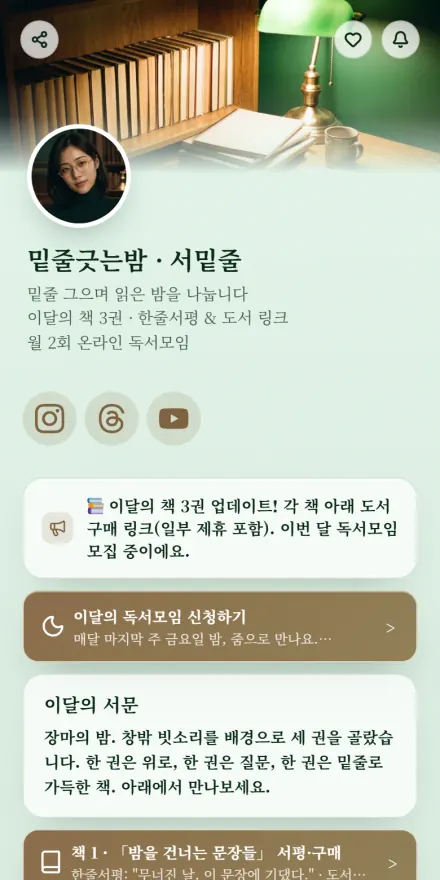 BookTuber
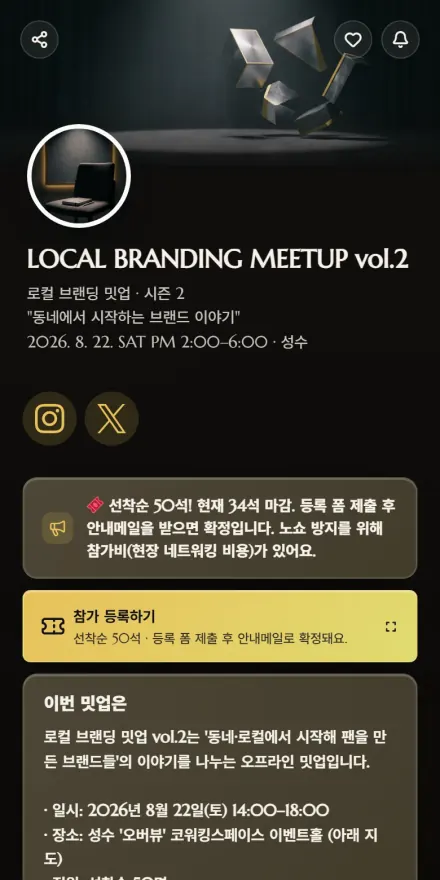 Seminar & meetup
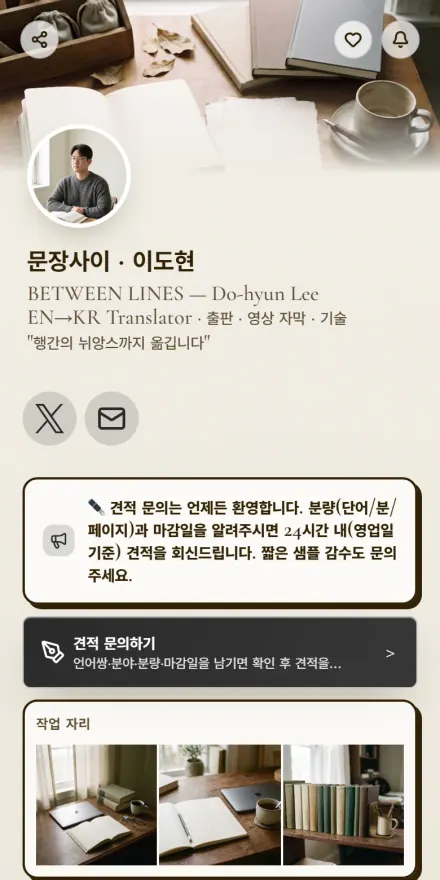 Translation
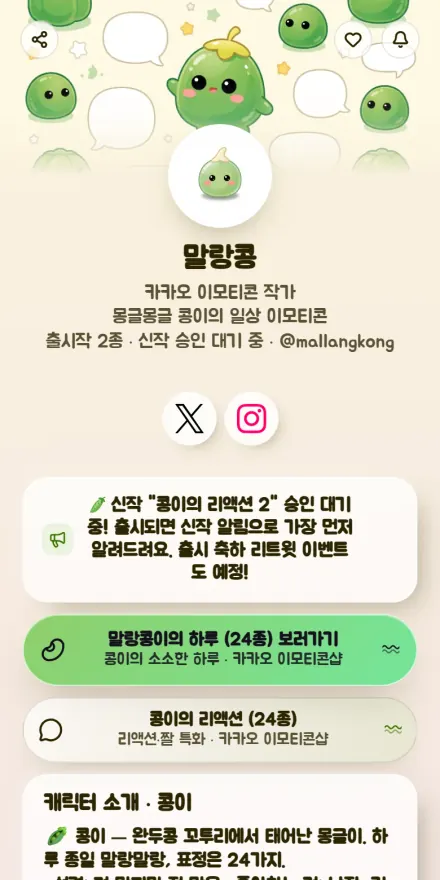 Sticker artist
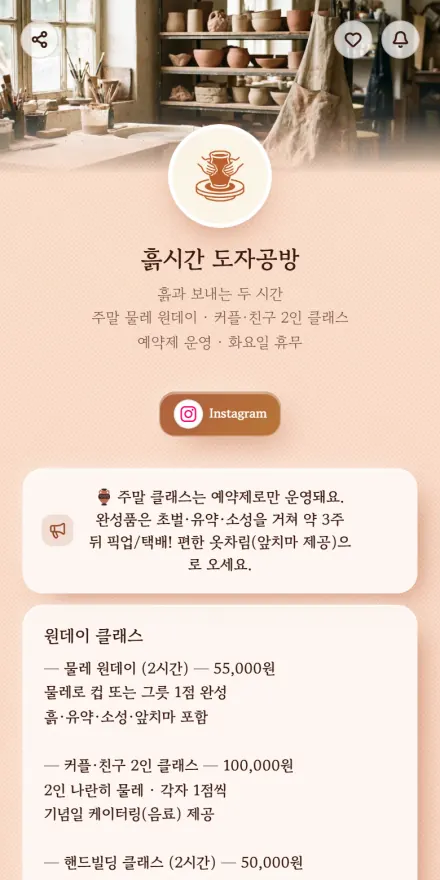 Studio & workshop
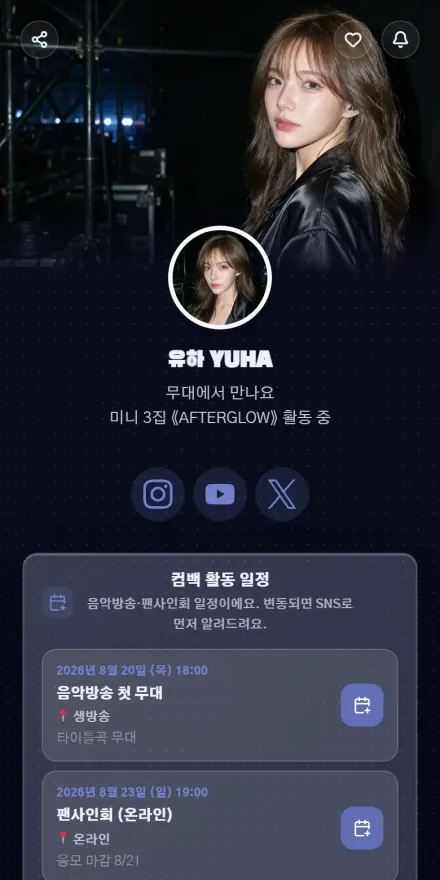 Idol · Stage
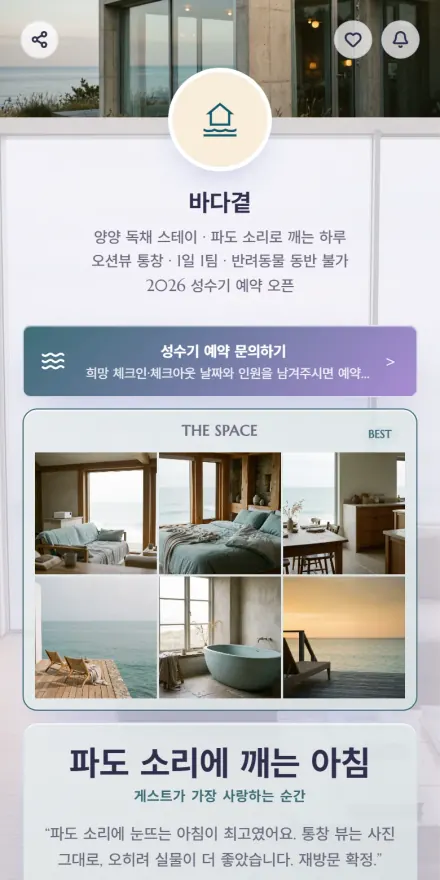 Stay & pension
 Idol · Schedule
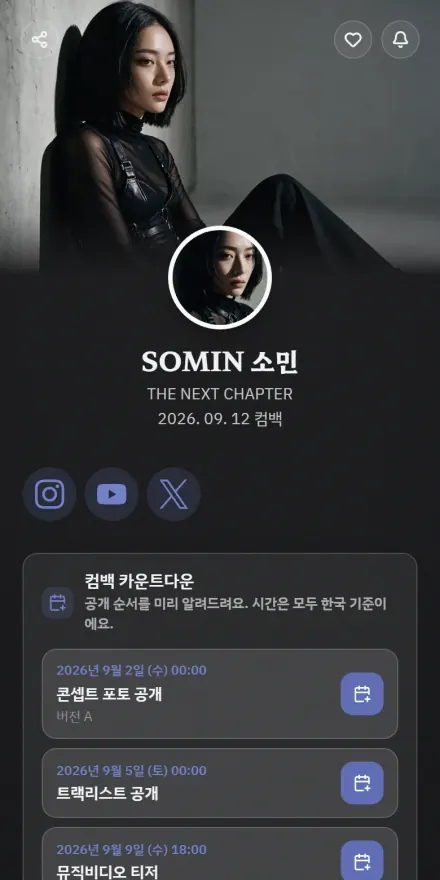 Idol · Comeback
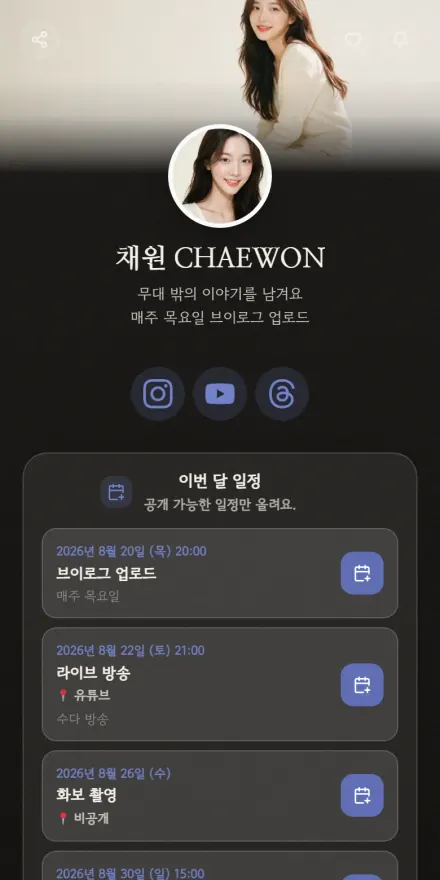 Idol · Daily
 Influencer · Daily
 Influencer · Fashion
 Influencer · Travel
 Streamer · Talk
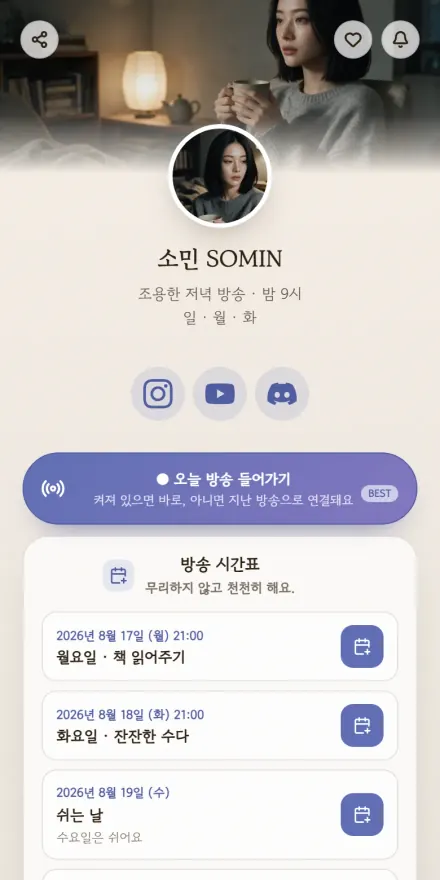 Streamer · Cozy
 Counseling
 Study cafe
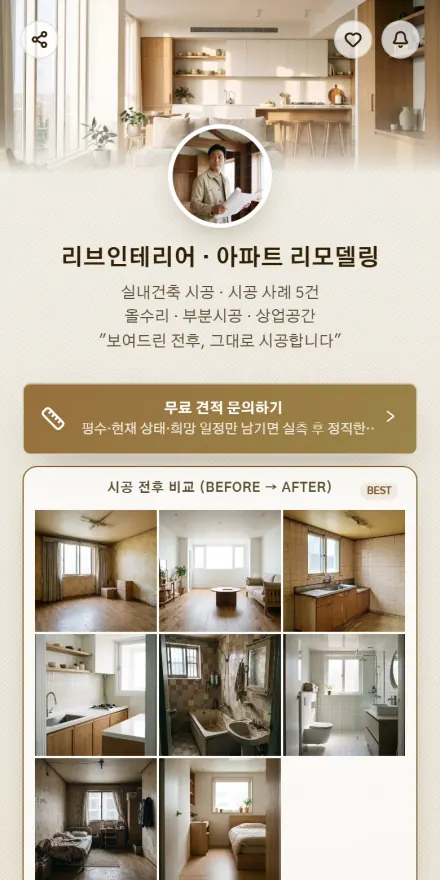 Interior & contracting
 YouTuber
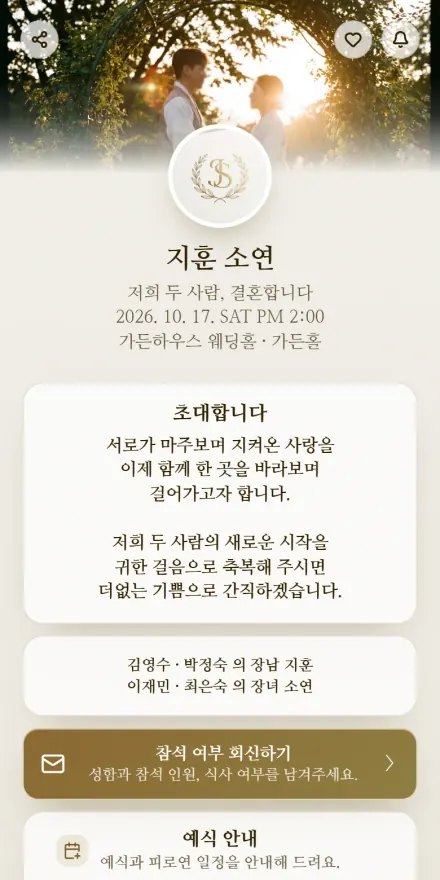 Wedding invitation
 Real estate
 Streamer
 First birthday invite
 Insurance
 Shorts & Reels
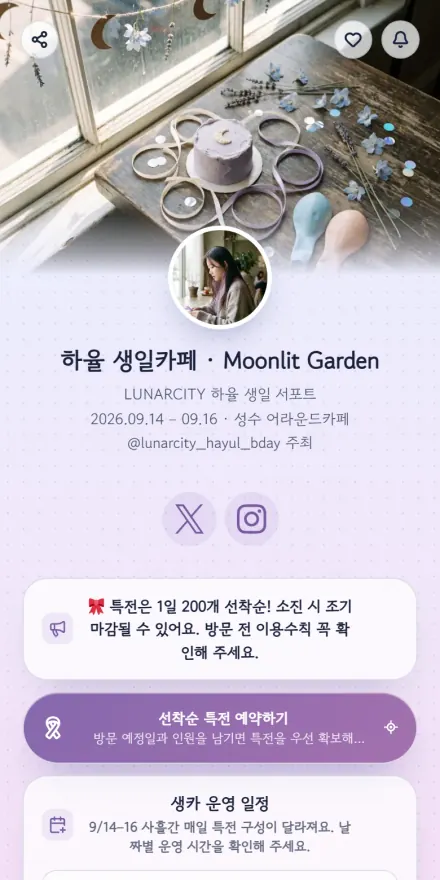 Birthday cafe
 Car dealer
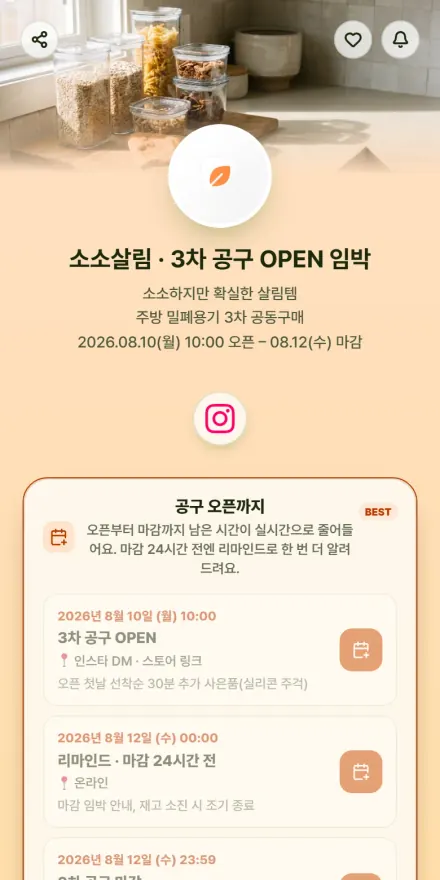 Group buying
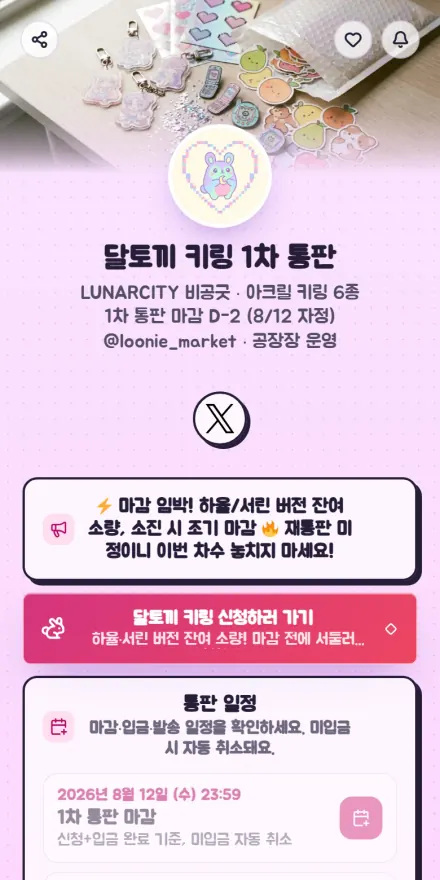 Goods & group order
 Wedding planner
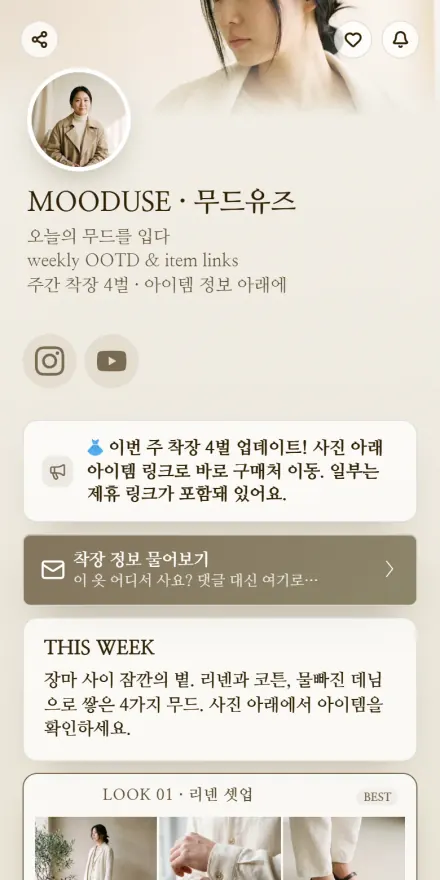 Fashion & beauty
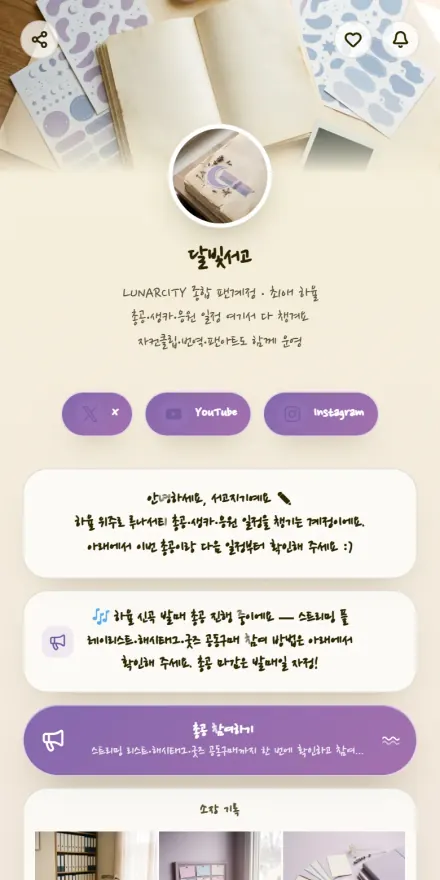 Fan account
 Investing group
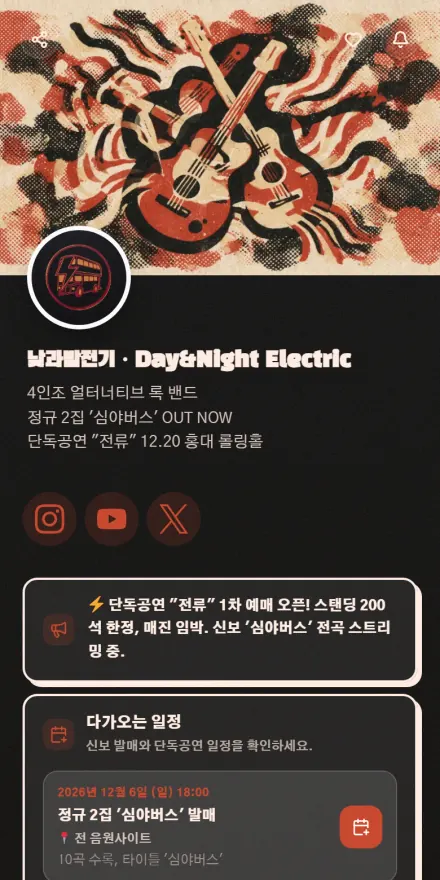 Band & musician
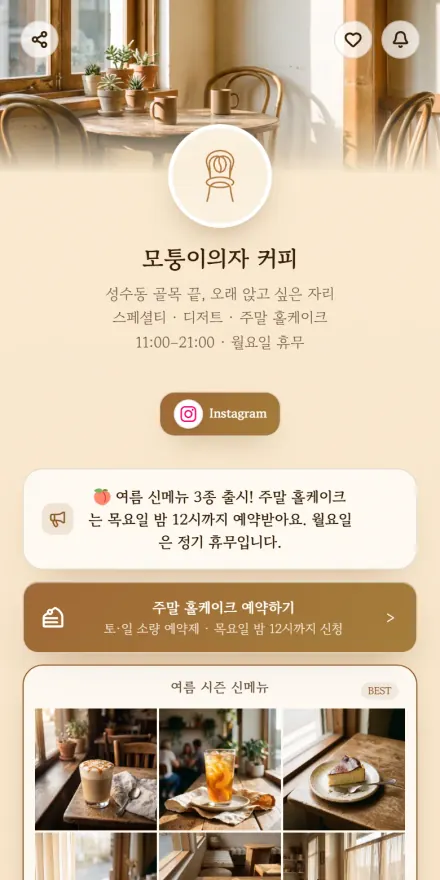 Cafe & dessert
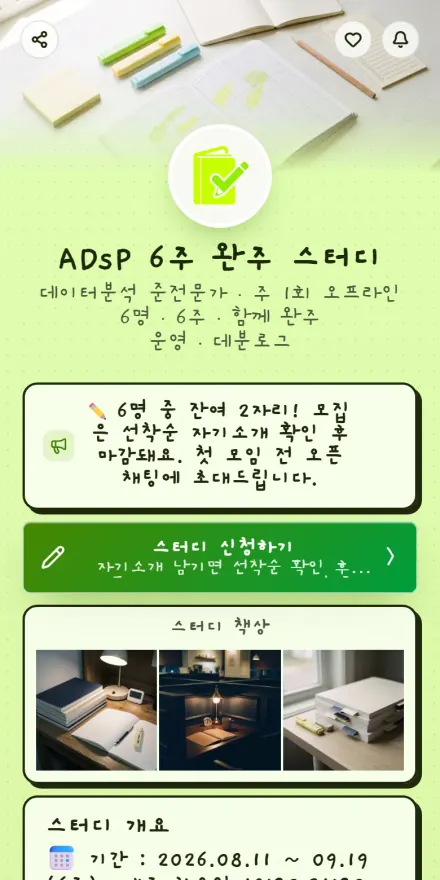 Exam study group
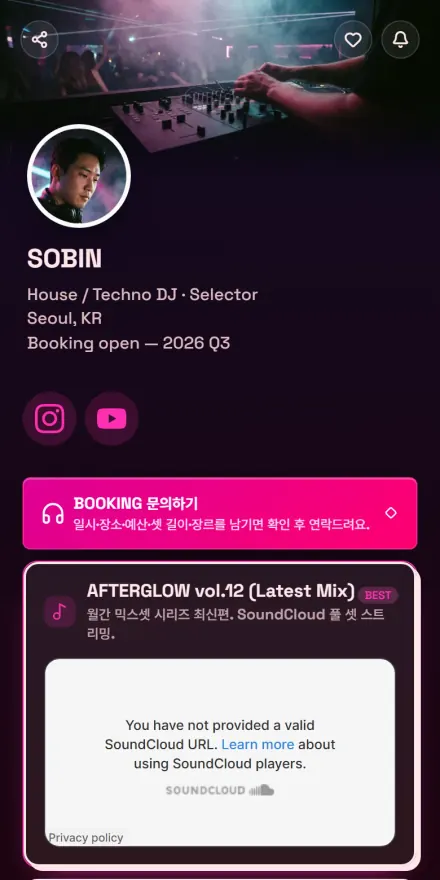 DJ
DJ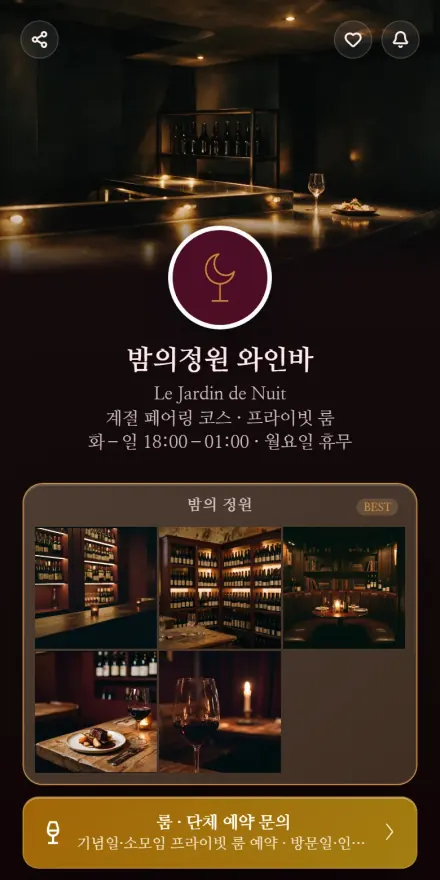 Bar & wine
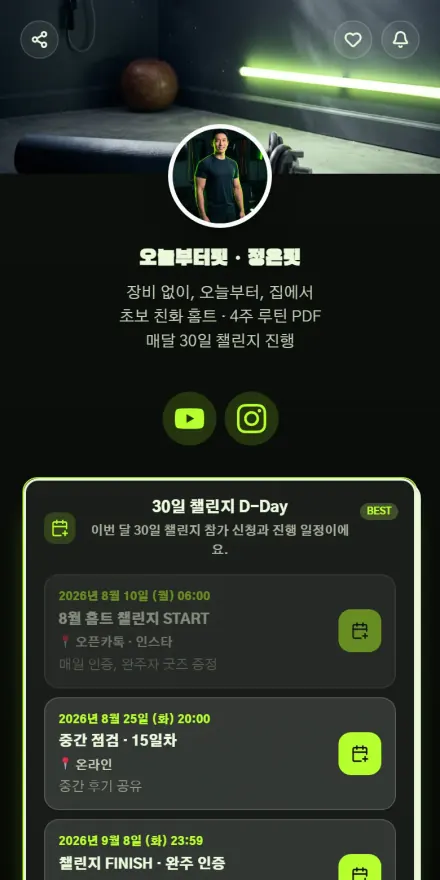 Fitness creator
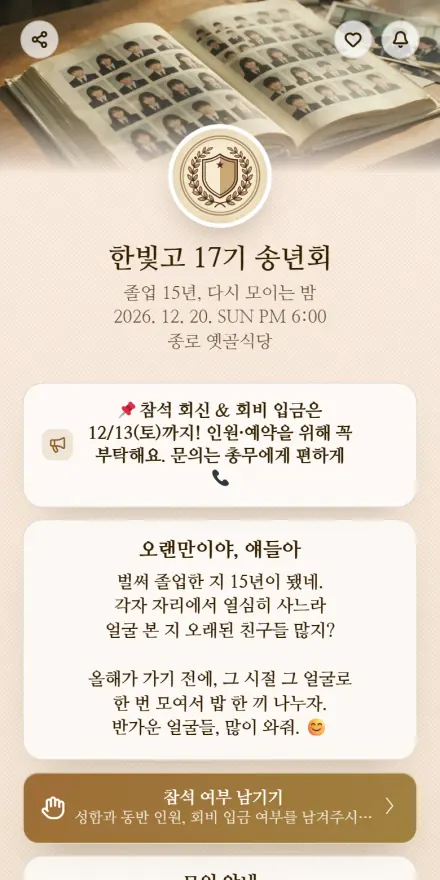 Reunion & meetup
 Music lessons
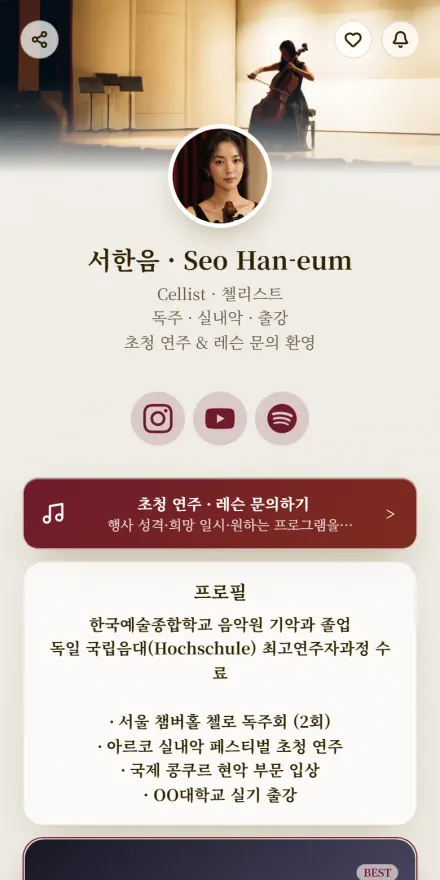 Performer
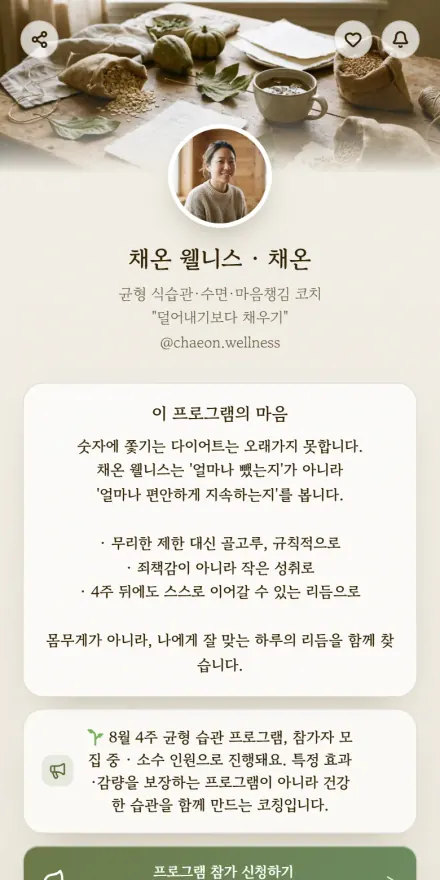 Wellness coach
 Parenting
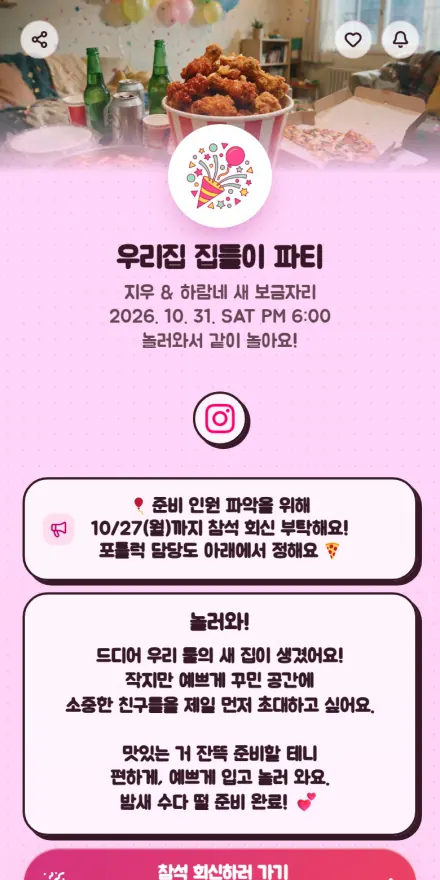 House party
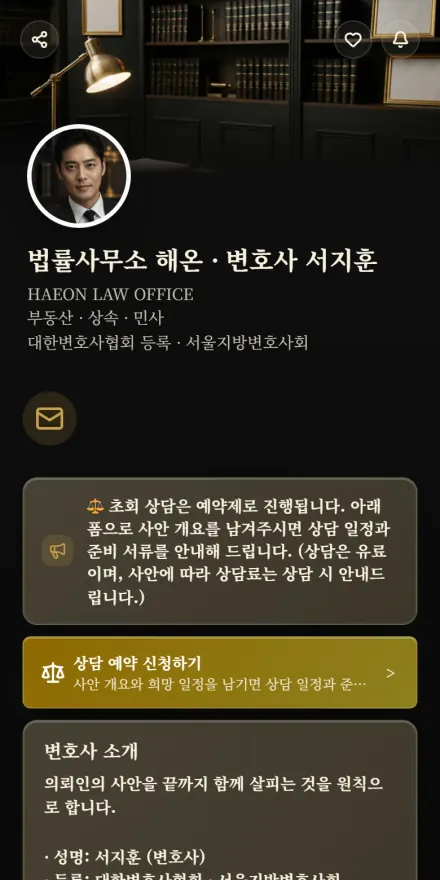 Law
Law Fair booth
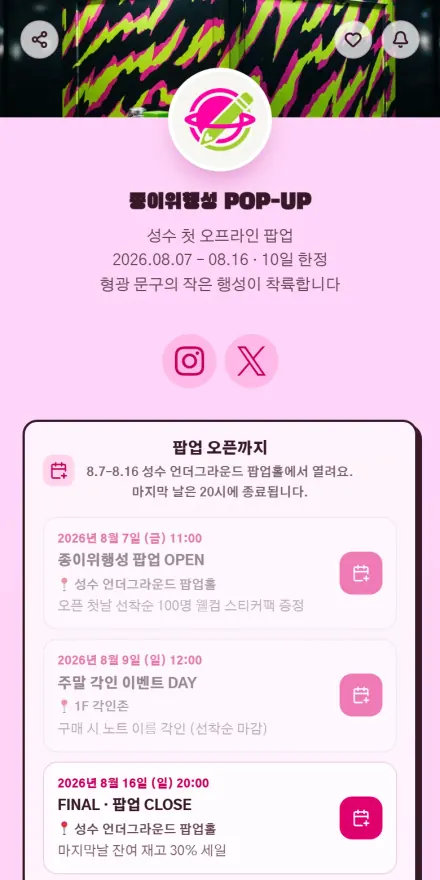 Pop-up store
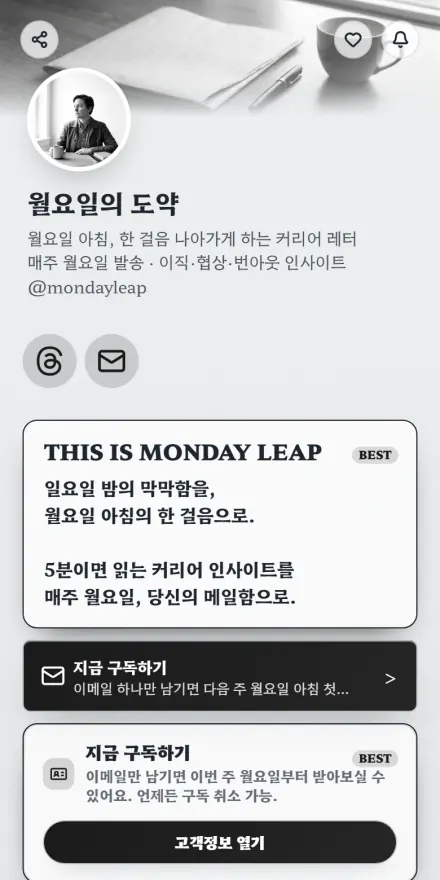 Newsletter
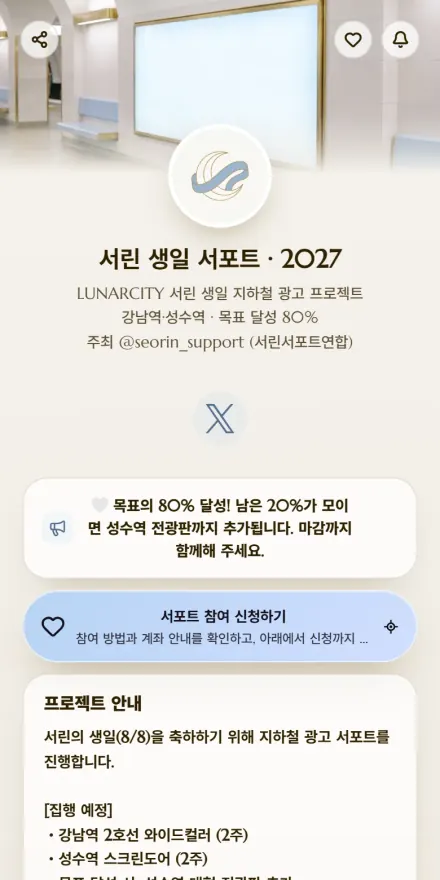 Fan support project
 Marketing
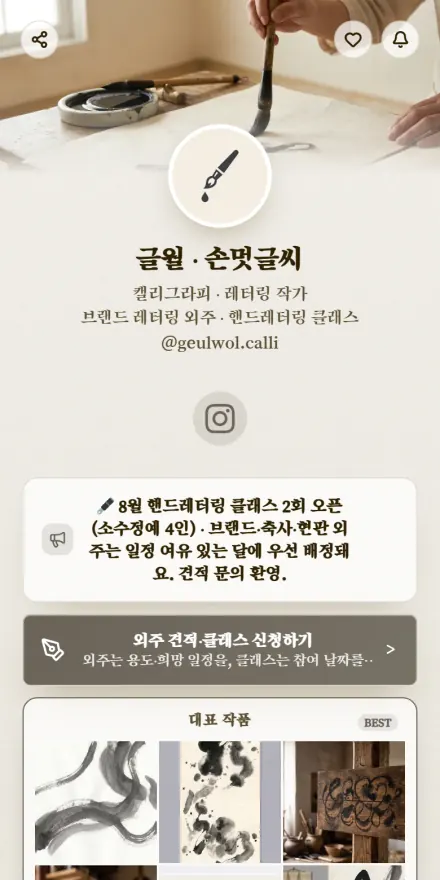 Calligraphy
 MC & voice
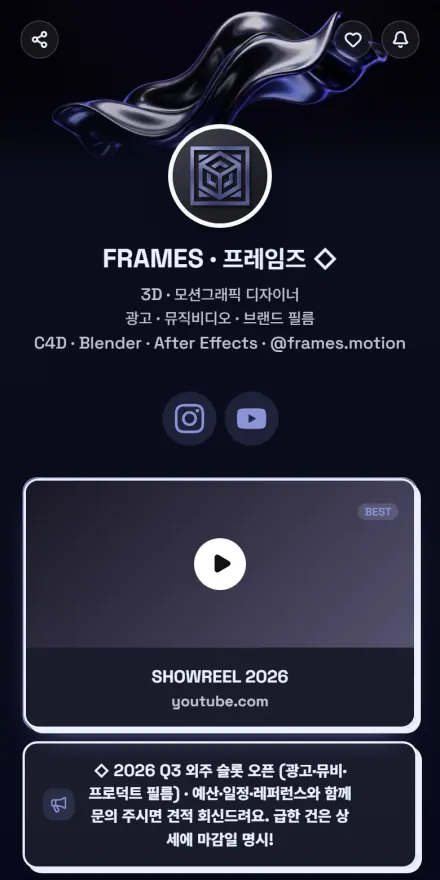 3D & motion
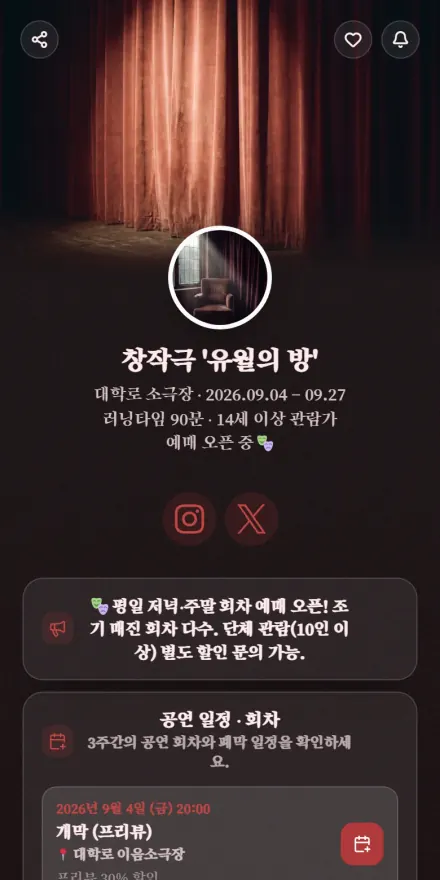 Theater & performance
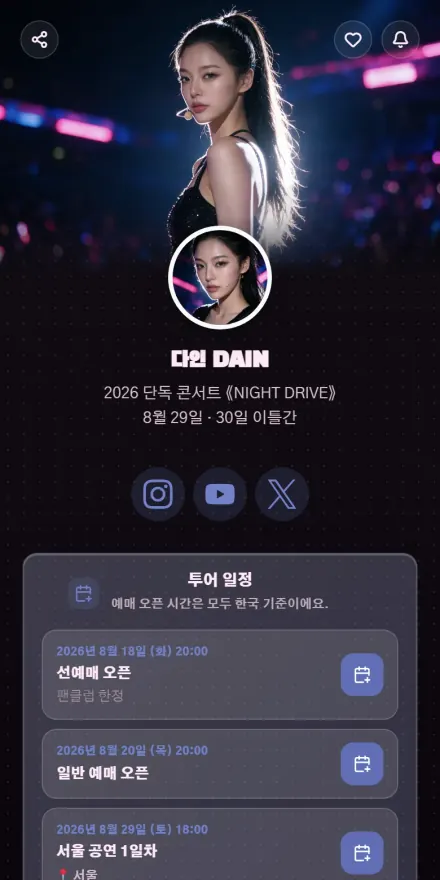 Idol · Concert
 Influencer · Beauty
 Influencer · Food
 Streamer · Gaming
 Streamer · Music
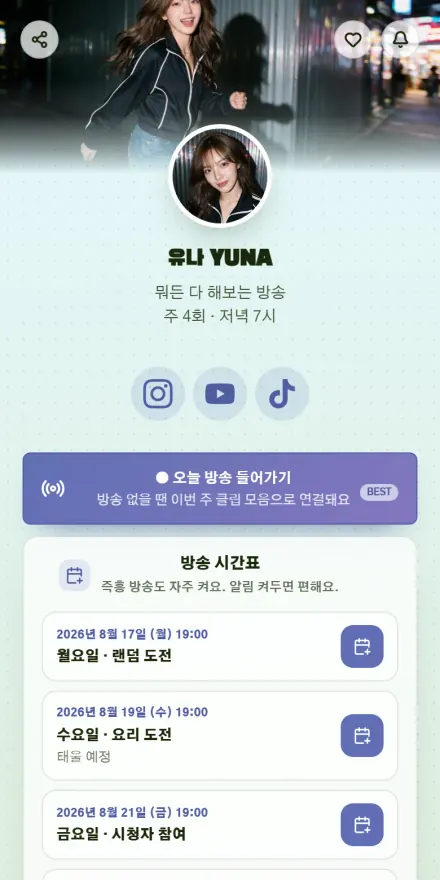 Streamer · Variety
Core structure
A new inquiry sends you a KakaoTalk alert and stacks up in the manage tab.
Once customer entries pile up, a weekly email brings you the summary.
One tap opens the visitor's mail, phone, or messaging app directly.
Puts closures and event news up as a top banner or a popup notice.
Usage flow
Choose the fields and which are required; the form builds itself to match.
Inquiries, bookings, and subscriptions land in one table you can filter.
Each entry carries a status and a private note, so nothing gets dropped.
Management screen
Field labels, help text, and required flags can differ page by page.
You decide the message a visitor sees once they've submitted.
Tag entries as new or handled and the list separates them for you.
Communication Build your page with features